


NetSuite Invoice Processing with Doxis
Digital invoice processing with OCR technology, approval workflows and integration with Netsuite.
Cut processing time by 70% with smart OCR and digital workflows
In-Control
Strengthen control with multi-level approval checks and audit trails
Integrate Easily
Create smart booking proposals to NetSuite through real-time integration
Digital Invoice Processing, How Does it Work?
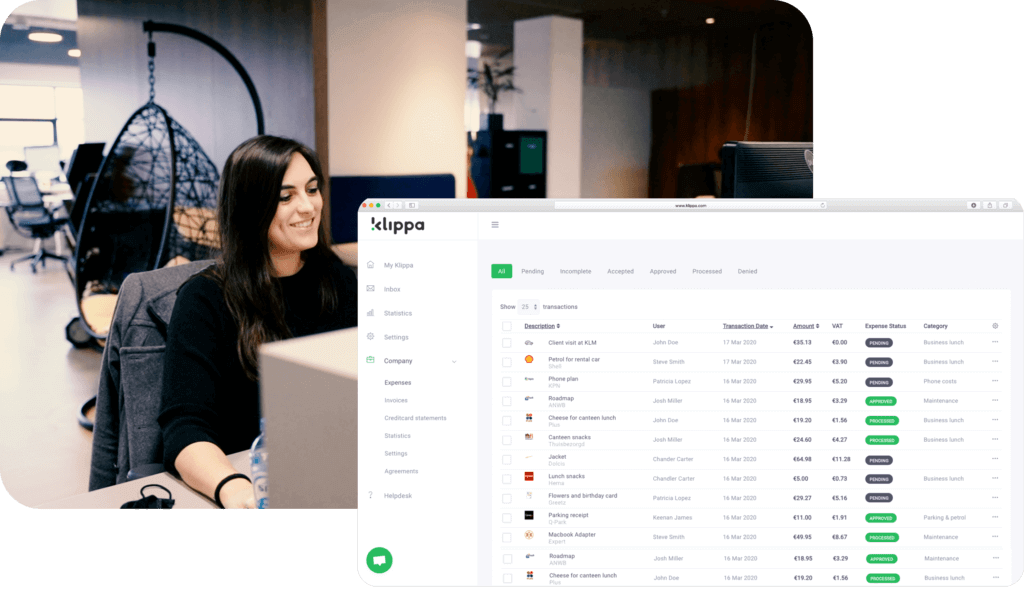
Submit Invoices with Ease Using OCR Technology
Add invoices to Doxis effortlessly with three convenient methods: (1) forward them to your Doxis mailbox, (2) upload directly from your computer, or (3) scan them with the SpendControl App. Each method leverages Doxis’ advanced OCR technology for fast and accurate data capture.
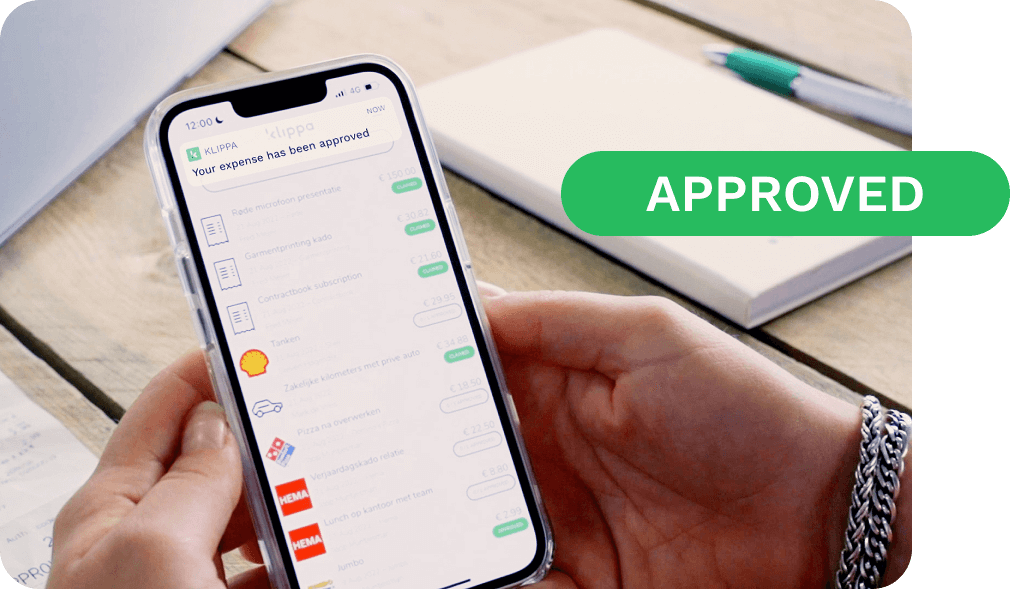
Approve Invoices with Customizable Workflows
Once an invoice is added to Doxis, it’s automatically passed to the right employee for approval. Doxis supports flexible multi-level approval workflows, allowing approvals to be completed easily through the mobile app or web application.

Automate Invoice Processing in NetSuite
An approved invoice contains all data processed in NetSuite. Doxis provides a booking suggestion for the supplier, including expense categories, VAT codes, amount(s), departments, classes and locations.
Trusted by 1000+ innovators and finance leaders worldwide






Benefits of NetSuite Invoice Processing with Doxis
Enhance invoices with Doxis’ automation and NetSuite integration. Boost efficiency, accuracy, and collaboration with these features:
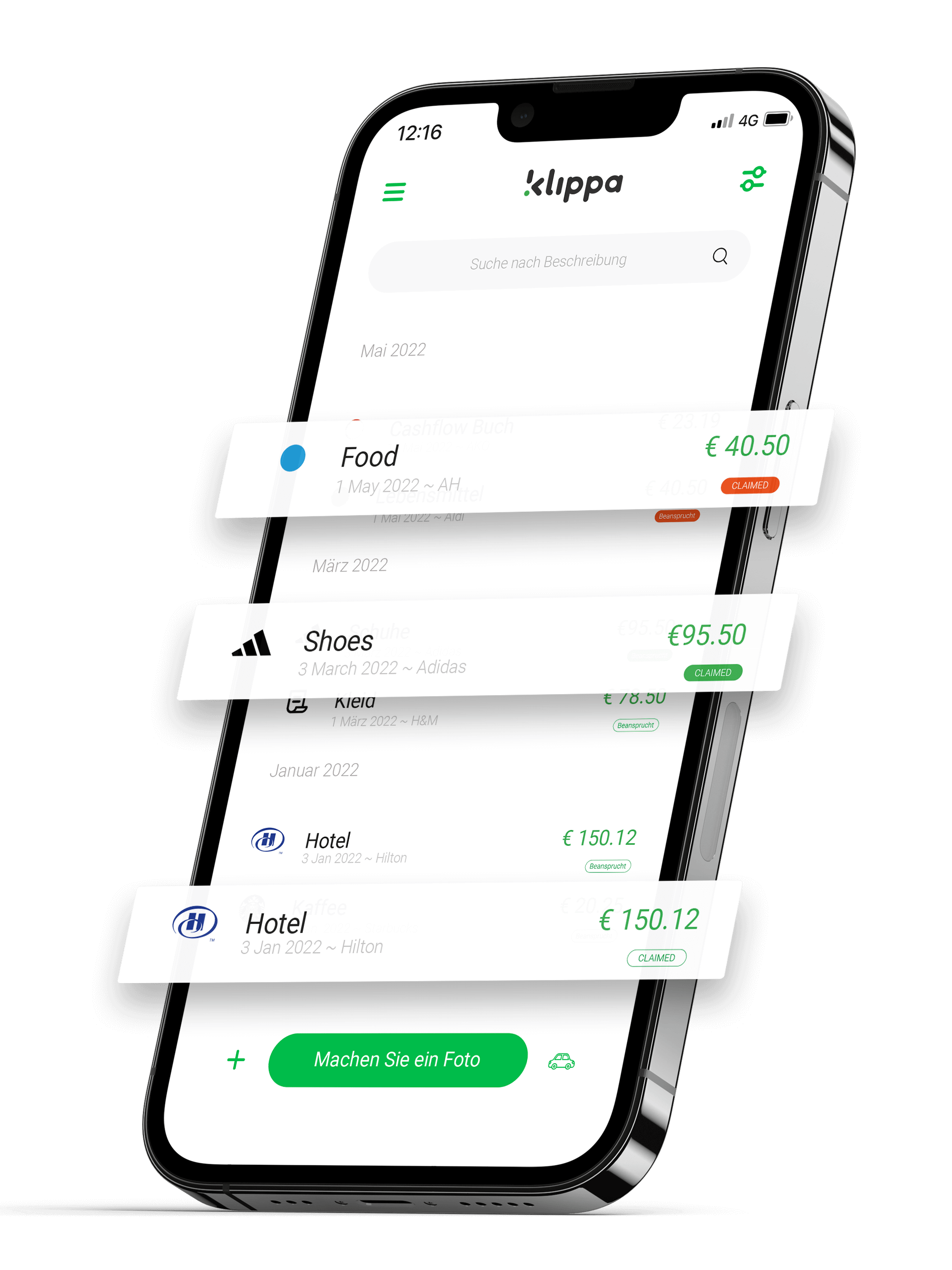
Automate Your Invoice Processing
Watch the video to see you can easily automate your invoice processing process with Doxis SpendControl
“The cloud environment is very user-friendly and our invoice processing process
has become much more efficient.”
FAQ – Frequently Asked Question
What information is synchronized from the integration?
Declarations sent to Netsuite can be booked to the employee created in Netsuite.
When the booking is made, the correct general ledger account and VAT code is automatically suggested in Doxis SpendControl.
Also, the correct department, class and/or location can be sent with the booking.
What booking principles does Doxis SpendControl apply?
Doxis follows NetSuite’s principles for creating bookings in Netsuite. Bookings that should not be created in Netsuite based on Netsuite logic are also blocked in SpendControl.
You will see an identical error message in SpendControl as the one you see in Netsuite. How convenient!
What other integrations does Doxis offer besides NetSuite?
In addition to the NetSuite integration, we also offer many other integration options to make your accounting process as efficient as possible.
We offer interfaces with Exact Online, Twinfield, SAP, Xero, and many other ERP systems.
What if the accounting system my company uses is not supported by Doxis?
If your accounting system not yet be supported by Doxis, there is often still an opportunity to facilitate some form of linkage.
Doxis offers the possibility to export data to accounting systems. If your accounting system offers import facilities, we can still forward your data to your used accounting system.
The exporting can be done in XML, UBL, CSV, or XLSX file types.
What is the implementation time for creating an integration from Doxis to NetSuite?
To make sure you can get started as quickly as possible, we help you set up the account and integrate with NetSuite through an onboarding call.
After your account is fully set up, we do a good knowledge transfer in an onboarding call to the people who will be working with Doxis so you will be able to make the software your own.
Usually the implementation time depends on the complexity of the setup. Overall it is somewhere between 2-6 weeks.
We are happy to discuss this with you in a personal meeting. Our helpdesk articles can also help you on your way.
Does Doxis offer expense management in addition to invoice processing?
Sure! In addition to invoice processing, Doxis also offers a special module for digital expense management.
You can easily submit expenses via the mobile app or web application. Submitted claims end up in the to-do list of the approver, who can approve them anywhere and at any time.
Also in this module, approved expense reports can be booked by the click of a button to NetSuite! It is also possible to manage both expense management and invoice processing in one workflow.
This way you are not dependent on different modules and can manage everything from a central point.